





 Football in Budapest
 Tennis in Budapest
 Handball in Budapest
 Basketball in Budapest
 Volleyball in Budapest






Found a bug, have an idea, or stuck with something? Write to us. We read every message.
If you have an account: open a support ticket
-
Start a ticket
At the bottom of any help page, click Open Support Ticket, or open one now.
-
Describe what happened
Pick a category, for example Bug Report or Feature Request, write a short subject and your message, and click Submit Ticket.
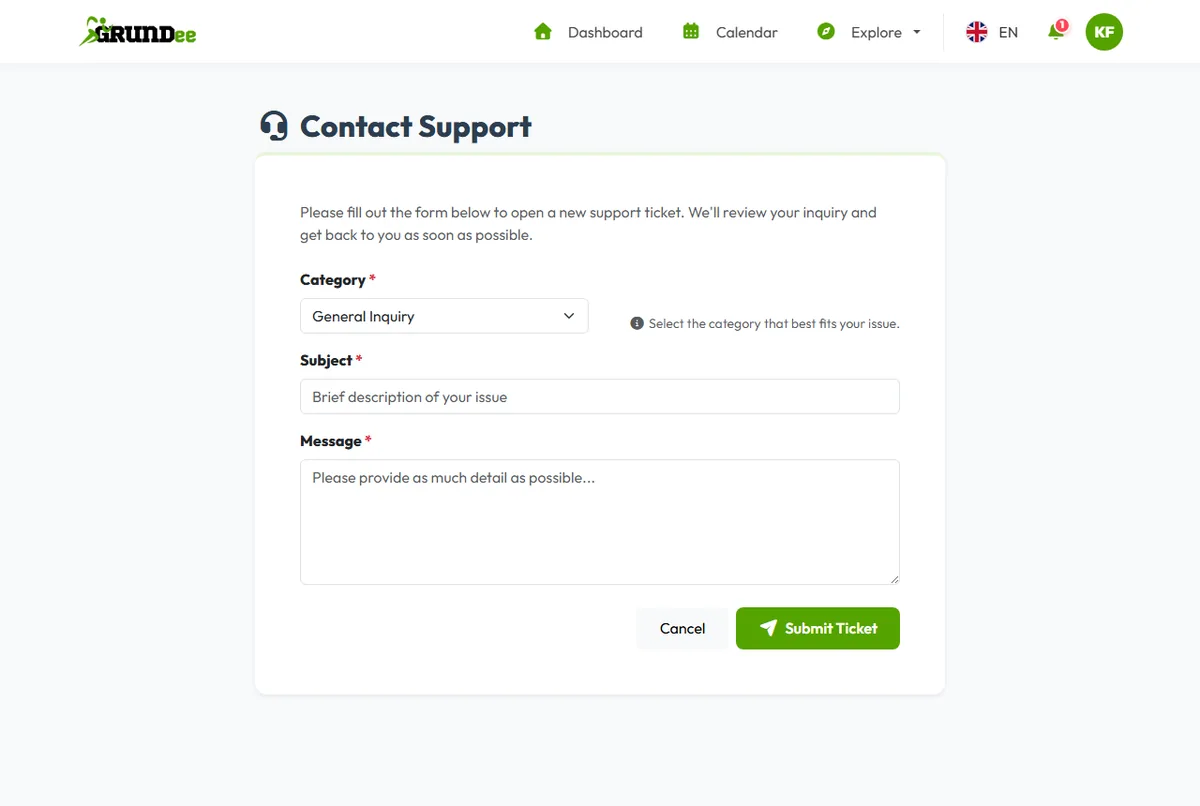
-
Read our answer
We answer by email, and the answer also appears under Your Tickets on the help centre's front page.
Reporting a bug? Tell us:
- what you wanted to do and what happened instead;
- the page's address (copy it from the address bar);
- your phone or computer and browser, for example iPhone, Safari.
No account?
Use our contact form.