
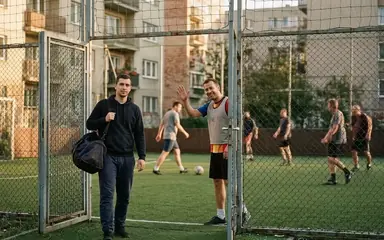


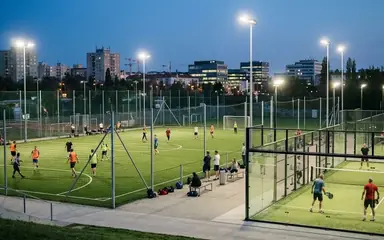

 Football in Budapest
 Tennis in Budapest
 Handball in Budapest
 Basketball in Budapest
 Volleyball in Budapest






The event page always tells you why you can't answer. Here is what each message means.
| What you see | Why | What to do |
|---|---|---|
| RSVP Deadline Passed | Answers closed a few hours before the start. | Tell the organizer directly, for example in your group chat. |
| Event Cancelled | The organizer cancelled it, or too few players said Yes. | Nothing: look out for the next one. |
| You don't have any players in this team. | You are signed in with an account that isn't in the team, or your child's profile isn't on the roster. | Check that you're signed in with the right email address, or ask the organizer for an invite. |
| Event Full | The maximum number of players has said Yes. | Join the waitlist: you move up when someone drops out. |
The email buttons don't work
Answer buttons in emails stop working once answers are closed or the event is cancelled. Open the event in Grundee to see the latest.
None of these? Tell us, and say which event it is.