



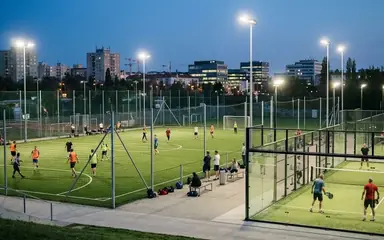

 Football in Budapest
 Tennis in Budapest
 Handball in Budapest
 Basketball in Budapest
 Volleyball in Budapest






A confirmed booking is cancelled together with the venue: you ask, they approve. Until a venue has accepted, you can withdraw your request yourself.
-
Open the event of the booking
Every booking belongs to an event on your team's calendar. Open it from your dashboard or your calendar.
-
Ask to cancel
Click Cancel Reservation under the reservation details. If the venue hasn't answered your request yet, the button reads Cancel Reservation Request and cancels at once.
-
Wait for the venue
The event shows “Cancellation Pending Approval” until the venue decides. You get a notification either way.
Your money
Whether you get money back depends on the venue's cancellation policy in its house rules. See refunds.