





 Football in Budapest
 Tennis in Budapest
 Handball in Budapest
 Basketball in Budapest
 Volleyball in Budapest






Grundee is in Hungarian and English. Everyone sees the site and gets their emails in their own language.
-
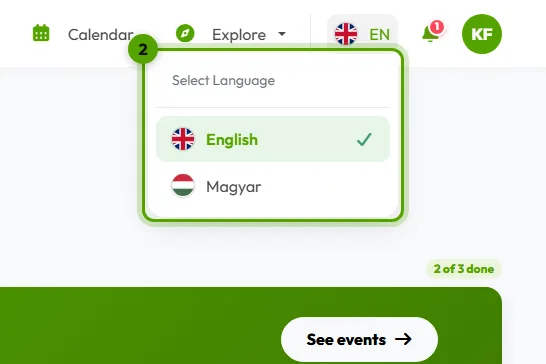
Open the language menu
Click the language button at the top of the page: it shows the current language, HU or EN.
-
Pick your language
Choose English or Magyar. The page reloads in that language.
When you're signed in, your choice is saved to your account: our emails follow it too.