





 Football in Budapest
 Tennis in Budapest
 Handball in Budapest
 Basketball in Budapest
 Volleyball in Budapest






-
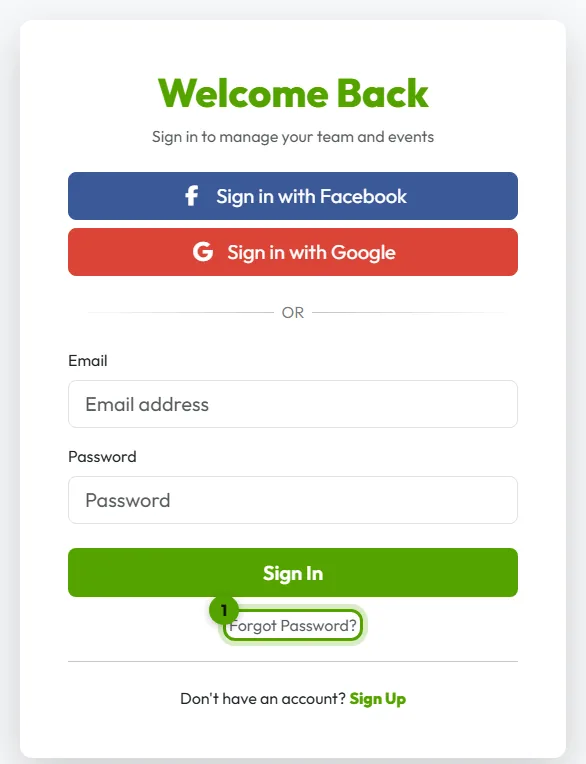
Open the sign-in page
Go to Log in and click Forgot Password?.
-
Ask for a reset link
Type the email address you signed up with. We email you a link to set a new password.
-
Set a new password
Open the email, click the link and choose a new password. You're signed in again.
No email arrived?
- Look in your spam or promotions folder.
- Did you sign up with Google or Facebook? Then you have no Grundee password: just use the same button on the sign-in page.
- Still nothing? See I don't get your emails.