
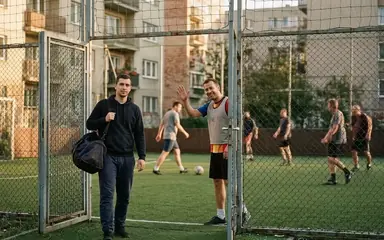

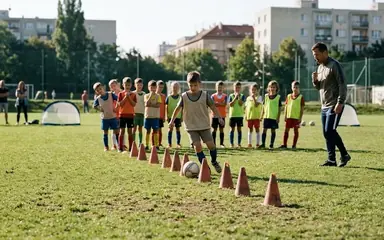
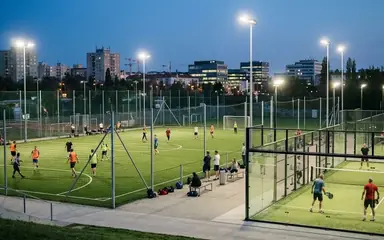

 Football in Budapest
 Tennis in Budapest
 Handball in Budapest
 Basketball in Budapest
 Volleyball in Budapest






There are two kinds of picture: your account's picture, shown in the top menu, and each player profile's picture, which teams see on the roster.
Your account's picture
Click your picture in the top right corner, then Account Settings. Under Profile Information choose a new picture and click Save Changes.
A player's picture
Click your picture in the top right corner, then My Players. Click the ⋮ button on the player's card, then Edit, and upload a new Profile Picture.