





 Football in Budapest
 Tennis in Budapest
 Handball in Budapest
 Basketball in Budapest
 Volleyball in Budapest






There are two ways into a team: an invitation from the organizer, or a request to join a public team.
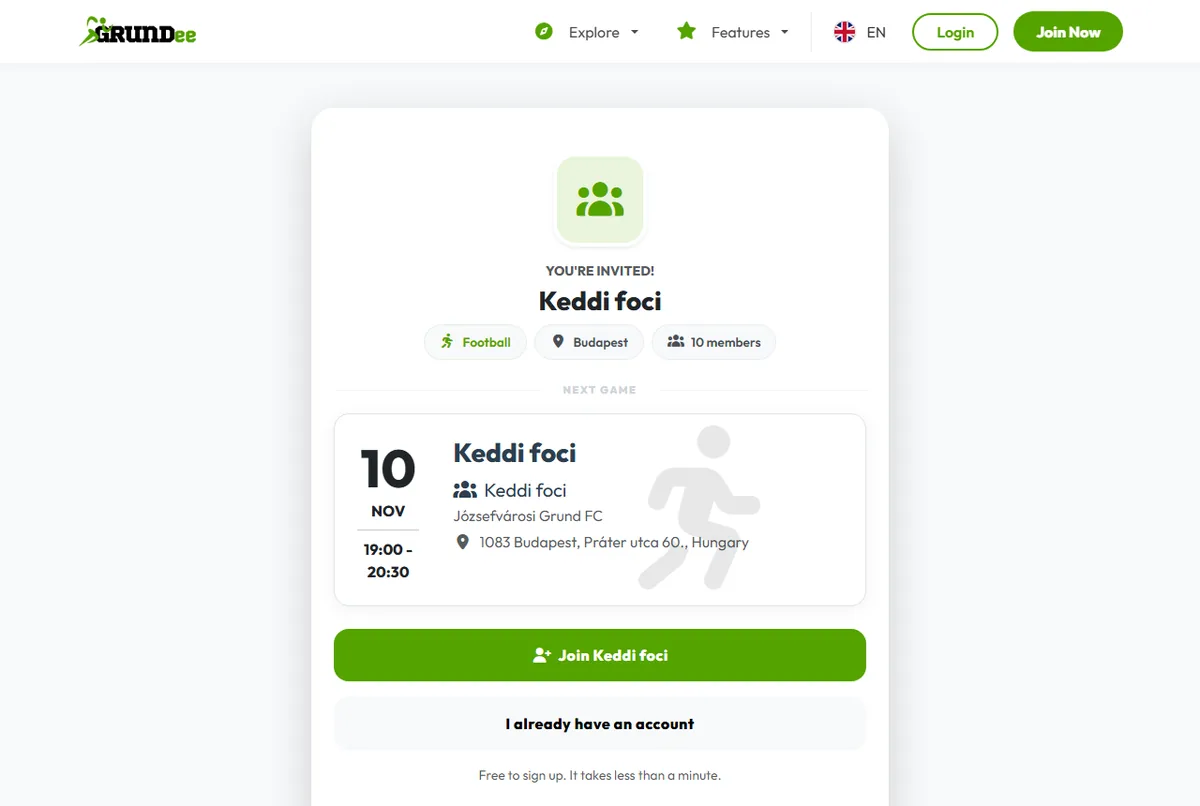
You have an invitation
- Invite link or QR code: open it, sign up or sign in, and you join straight away.
- Email invitation: click the button in the email, then accept the invitation. Pending invitations also show at the top of your dashboard.
Find a team yourself
-
Look for teams near you
Click Explore in the top menu, choose Find a team and pick your sport. Filter by city.
-
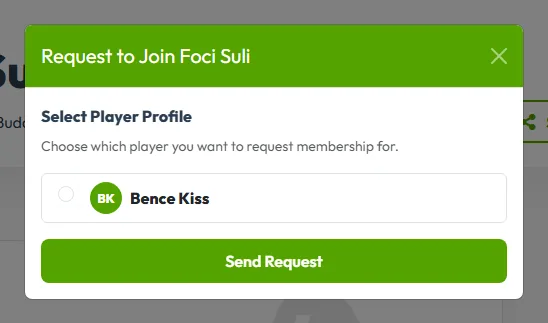
Ask to join
Open the team and click Request to Join. Choose which player profile you are signing up (yourself or your child). If the team has a membership fee, confirm that you accept it.
-
Wait for the organizer
The captain or coach gets your request and accepts or rejects it. Once you're in, the team shows up on your dashboard.
Only want to play once? Join a single game instead.