Football in Budapest
 Tennis in Budapest
 Handball in Budapest
 Basketball in Budapest
 Volleyball in Budapest






Grundee issues an invoice for every card payment, which you and the payer can open and print. This is part of the Coach plan.
-
Open your invoice settings
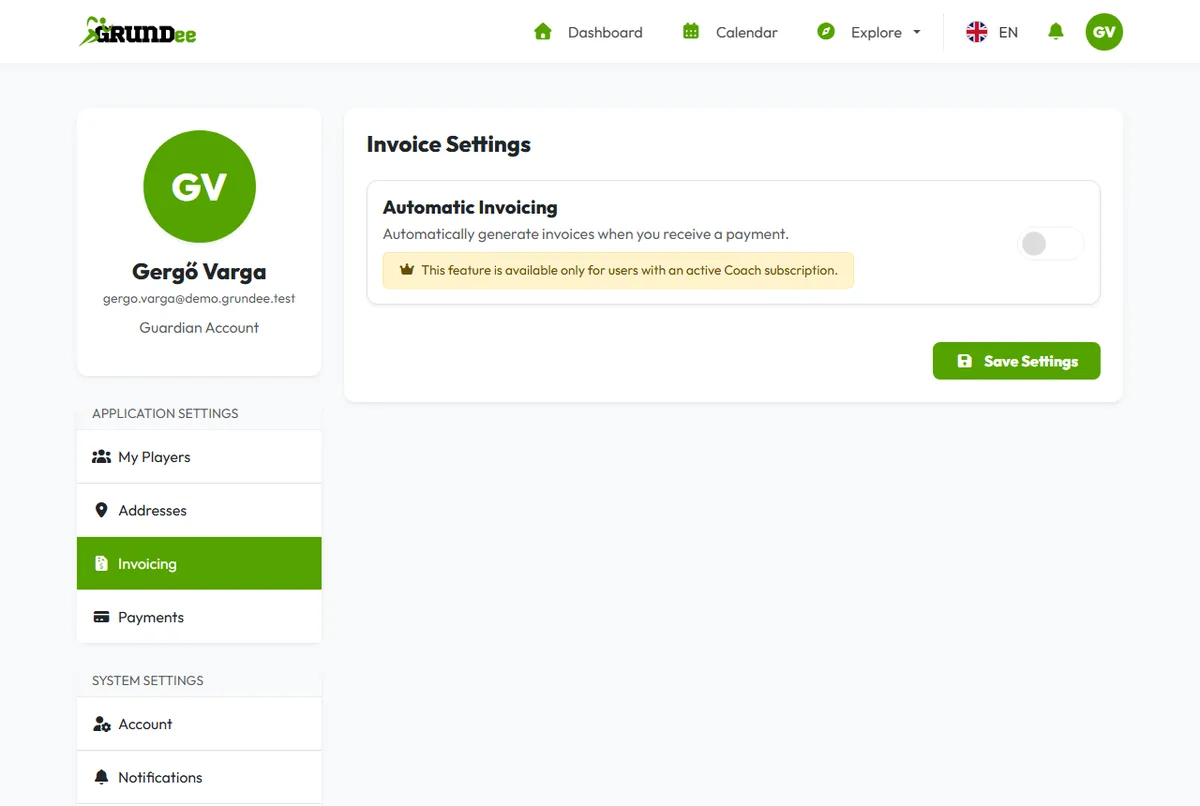
Click your picture in the top right corner, then Account Settings, and choose Invoicing on the left.
-
Fill in your details
Under Merchant Details give the name, address and tax number that should appear on your invoices. Under Invoicing Defaults set the VAT, the number of the next invoice and a note for every invoice.
-
Switch on Automatic Invoicing
Switch on Automatic Invoicing and click Save Settings. From now on, every payment you receive gets an invoice.