





 Football in Budapest
 Tennis in Budapest
 Handball in Budapest
 Basketball in Budapest
 Volleyball in Budapest






A pass is a bundle of tokens, like a 10-session card. Players buy it once, and each event they come to uses up a few tokens. Passes are for coaches' teams.
For coaches: create a pass
-
Open your passes
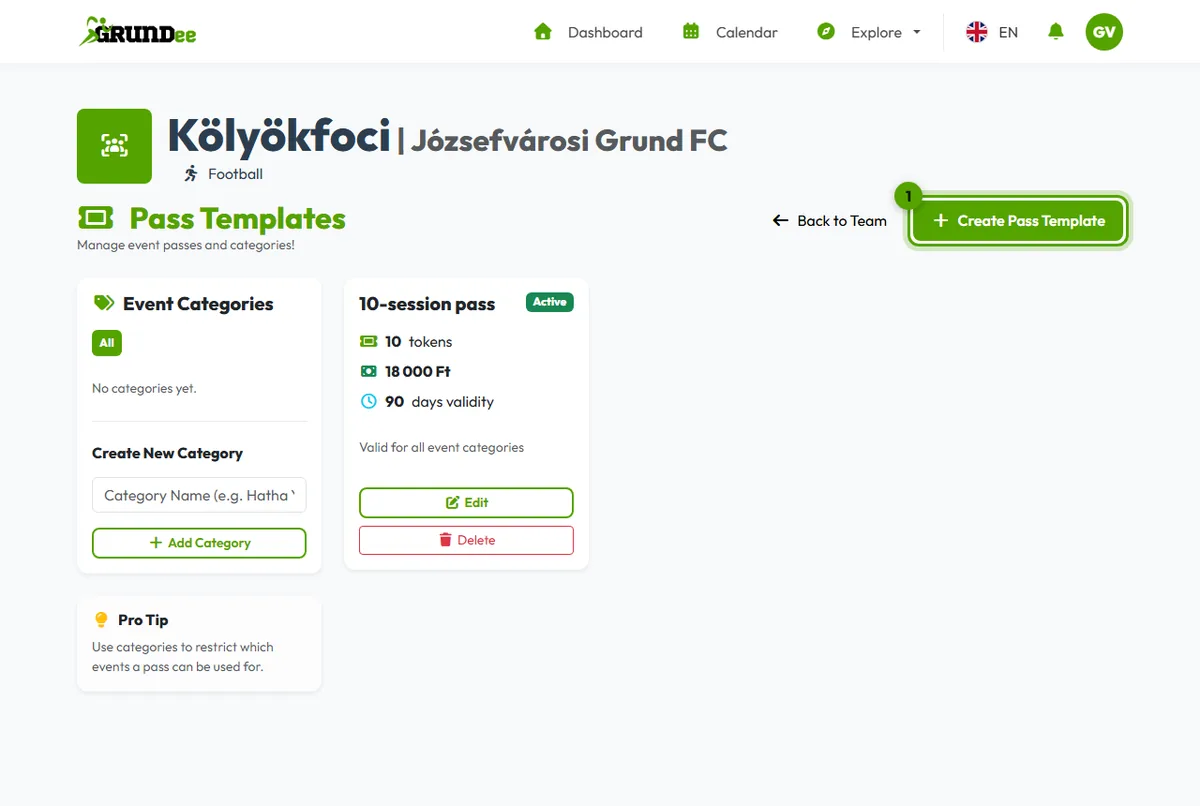
On your team page, open Manage → Manage Passes and click Create Pass Template.
-
Set it up
Give it a name, the number of tokens, the price and how many days it is valid after purchase. Only active passes can be purchased by players.
-
Use event categories if you need them
Categories, like “Adults” or “Juniors”, let you decide which events a pass can be used for. Leave a pass without categories to make it valid for every event.
-
Set the token cost of your events
When you schedule an event, enter its Token Cost and, if you use them, its Token Pass Category.
For players and parents: buy and use a pass
On the team page, find Available Passes and click Buy Now. Parents choose which child the pass is for. When you answer Yes to an event with a token cost, the tokens are taken from your pass and the event shows “Paid with Pass”.