





 Football in Budapest
 Tennis in Budapest
 Handball in Budapest
 Basketball in Budapest
 Volleyball in Budapest






Membership fees, event fees, passes and field bookings all end up in one list. Pay them by card in a few taps.
-
Open your payments
Click your picture in the top right corner, then My Payments. On a phone, tap Finances in the bottom bar.
-
Pick a payment
What you owe, for yourself and for your children, is on top under To pay now, the late ones first. Click Pay Now next to one: the payment opens, ready to pay.

-
Choose how to pay
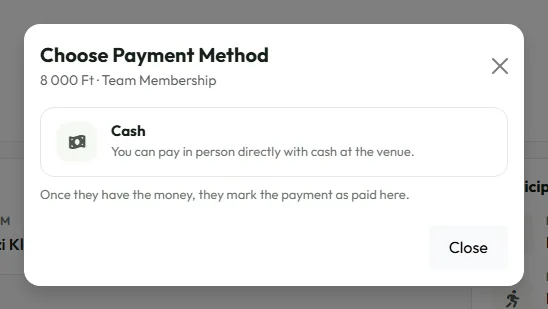
Under Pay Online, click Pay Now to pay by card on Stripe's secure page. If the organizer accepts bank transfers or cash, their details are shown here too.
After paying by card you come back to Grundee and the payment shows as completed.
Is it safe? See paying on Grundee.