





 Football in Budapest
 Tennis in Budapest
 Handball in Budapest
 Basketball in Budapest
 Volleyball in Budapest






Captain, Coach and venue plans are paid monthly or yearly by card. You manage them yourself in Stripe's billing portal.
-
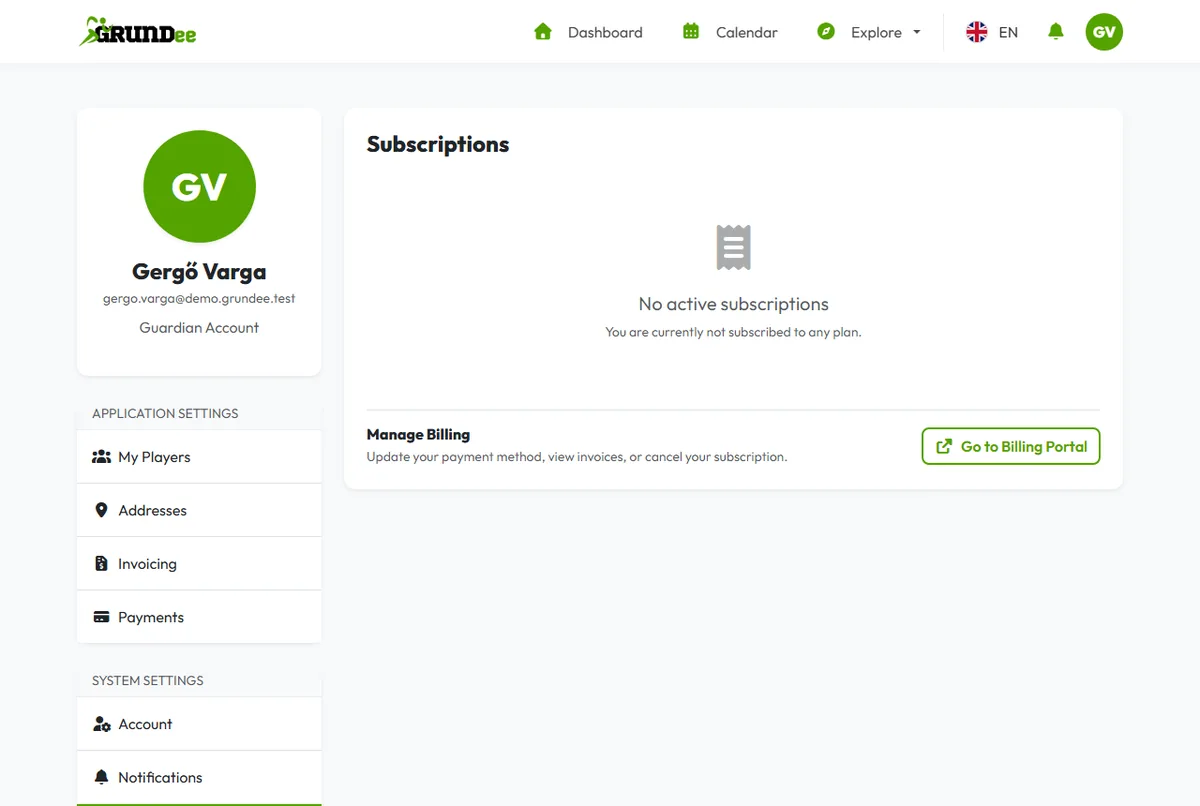
Open your subscriptions
Click your picture in the top right corner, then Subscriptions. You see your plan, the amount and the date of the next payment.
-
Make your changes in the billing portal
Click Go to Billing Portal to update your payment method, view invoices, or cancel your subscription.
Trial
The Coach plan starts with 14 free days. Add a payment method before the trial ends so your team keeps working without a break.
Cancelling
When you cancel, your plan keeps working until the end of the period you paid for; the Subscriptions page shows the date.