


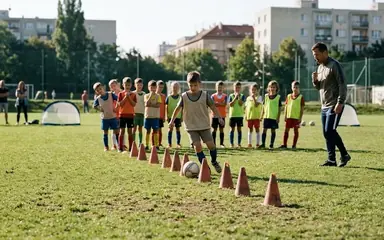
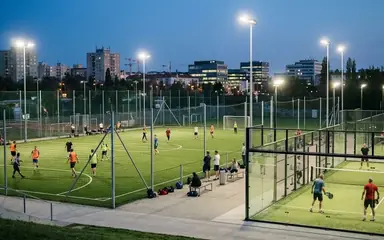

 Football in Budapest
 Tennis in Budapest
 Handball in Budapest
 Basketball in Budapest
 Volleyball in Budapest






You don't need an account to make a bracket. Its private edit link, remembered by the browser you made it in, is what lets you change it. Clearing the browser's data loses it, so keep it safe one of these ways.
-
Save it to a free account
Click Save to a free account on the bracket and sign up (or log in): every bracket you made in this browser moves to your account. Already signed in? Click Save to my account.

-
Or keep the edit link
Copy edit link puts the link on your clipboard; Email it to me sends it to you once (we don't keep the address). Opening the link on another phone lets you edit there too, so you can share it with a co-organiser.
All the brackets you can edit are under My brackets, and on your dashboard once they are in your account.