





 Football in Budapest
 Tennis in Budapest
 Handball in Budapest
 Basketball in Budapest
 Volleyball in Budapest






Many venues are already listed on Grundee so teams can find them. If yours is one of them, take it over: then you set the fields, prices and bookings yourself.
Got an email saying your venue is listed on Grundee? Its button opens the claim form with your venue already picked, so you can skip step 1. If you'd rather not get these invitations, use the link at the bottom of the email: booking requests from teams still reach you.
-
Find your venue
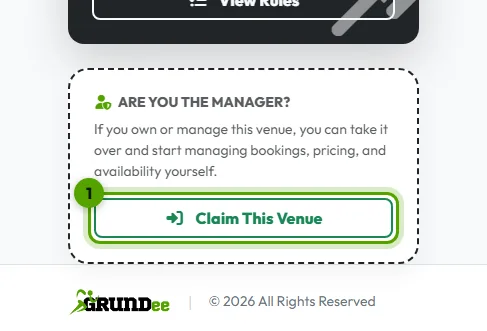
Open your venue's page on Grundee and click Claim This Venue under “Are You the Manager?”, or search for it on the venue registration page.
-
Get a code
Click Send Verification Code. We send a 6-character code to the venue's email address we have on file.
-
Enter the code
Type the code and click Verify Code. Sign in or create your account, and the venue is yours.