





 Football in Budapest
 Tennis in Budapest
 Handball in Budapest
 Basketball in Budapest
 Volleyball in Budapest






Managers have full access to view reservations, block fields, and approve requests. Each of them signs in with their own account.
-
Open Staff Management
On your venue dashboard, click Manage Staff under Managers.
-
Add a manager
Type their email address and click Add Manager. If this email isn't registered yet, we'll create an account and send an invitation to set it up.
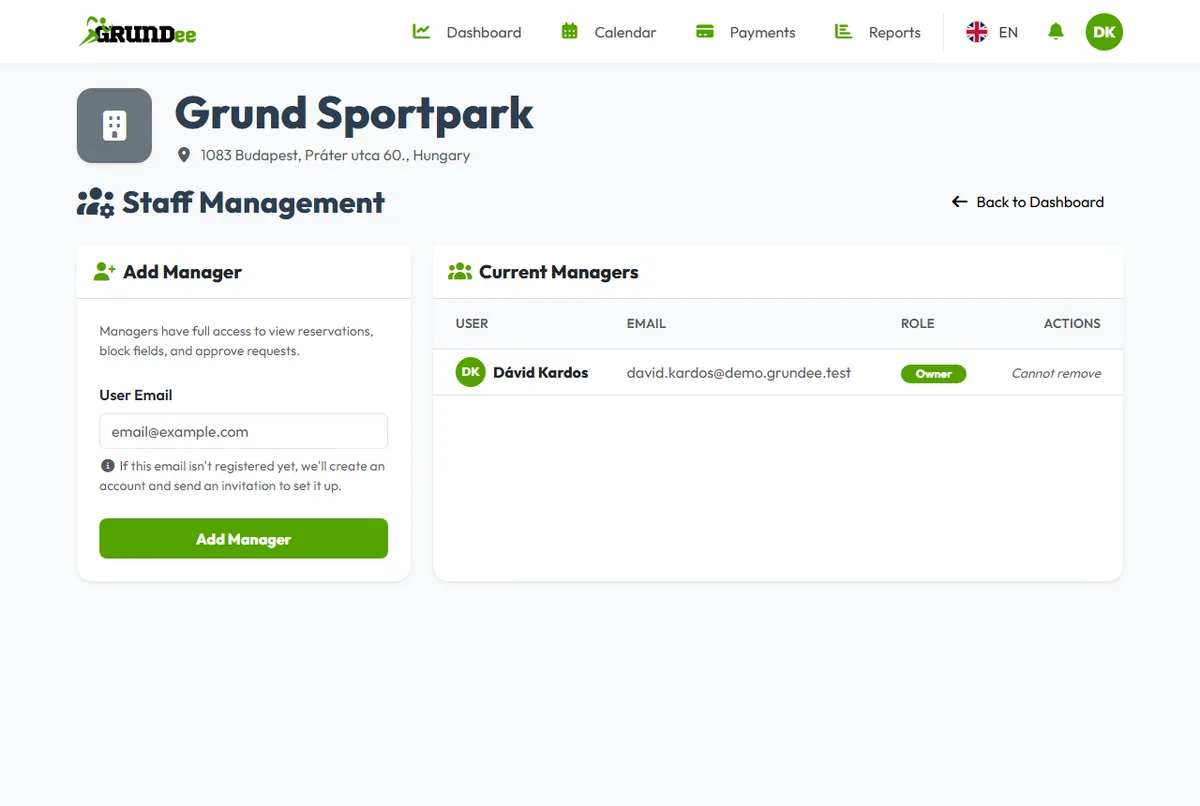
To take someone's access away, click Remove next to their name. The owner can't be removed.