



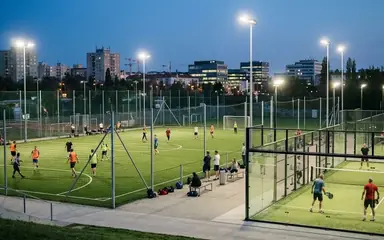

 Football in Budapest
 Tennis in Budapest
 Handball in Budapest
 Basketball in Budapest
 Volleyball in Budapest






Bookings that come by phone or in person go into the same calendar, so a field is never booked twice.
-
Start a new reservation
On your venue dashboard click New Reservation.
-
Pick the sport, the field and the time
Choose the sport, a field and a free time slot, and a package if there is one.
-
Add the organizer
Give the organizer's name and email address (the phone number is optional). If they already have a Grundee account, the booking shows up for them; if not, one is created.
-
Finish
Check the summary and finish. The booking appears in your calendar and today's agenda.