





 Football in Budapest
 Tennis in Budapest
 Handball in Budapest
 Basketball in Budapest
 Volleyball in Budapest






Subscribe to your Grundee calendar once, and every game and training of all your teams (and your children's) shows up in the calendar app you already use.
-
Open your calendar
Click Calendar in the top menu, then Sync Calendar.
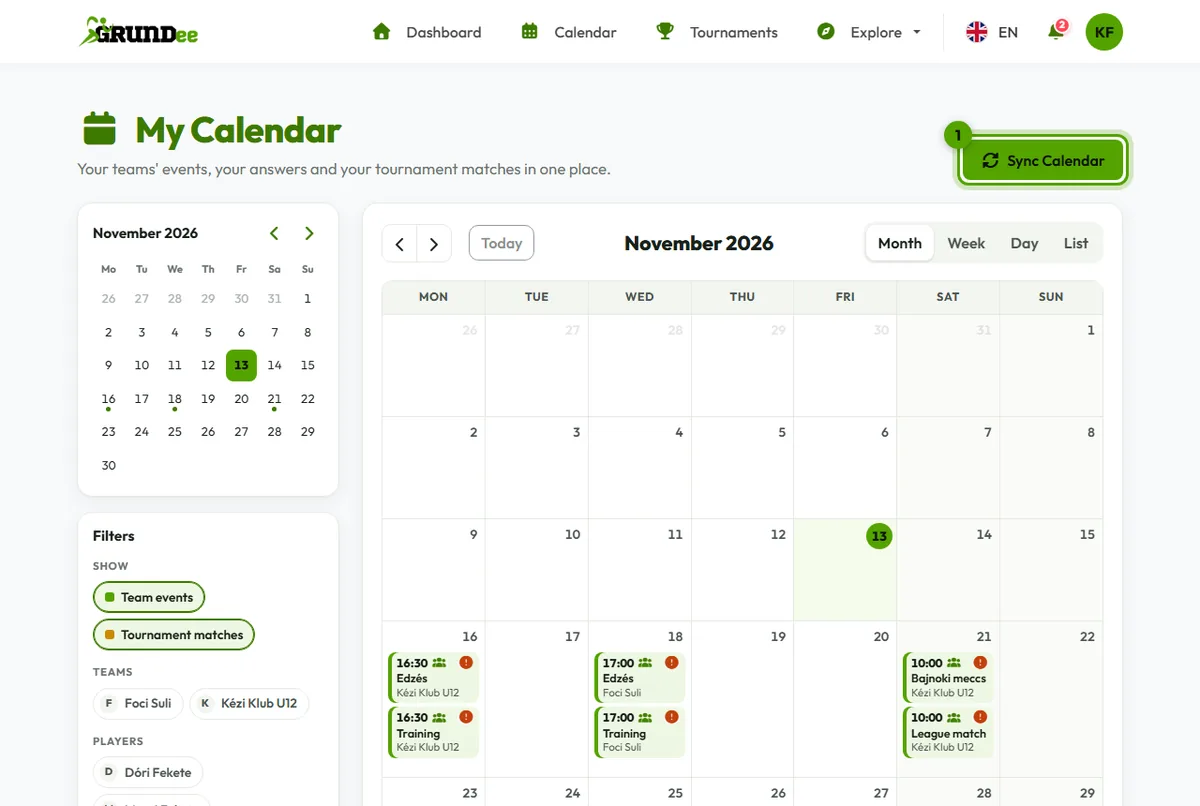
-
Copy your calendar feed URL
Click Copy next to Your Calendar Feed URL.

-
Add it to your calendar app
- Google Calendar: next to “Other calendars” click +, choose “From URL”, paste the address and click “Add calendar”.
- iPhone: Settings → Calendar → Accounts → Add Account → Other → Add Subscribed Calendar, paste the address, then Next and Save.
- Outlook on the web: Add calendar → Subscribe from web, paste the address and click Import.
The window in Grundee shows the steps for more apps too.
Changes don't show up right away? Here's why.