





 Football in Budapest
 Tennis in Budapest
 Handball in Budapest
 Basketball in Budapest
 Volleyball in Budapest






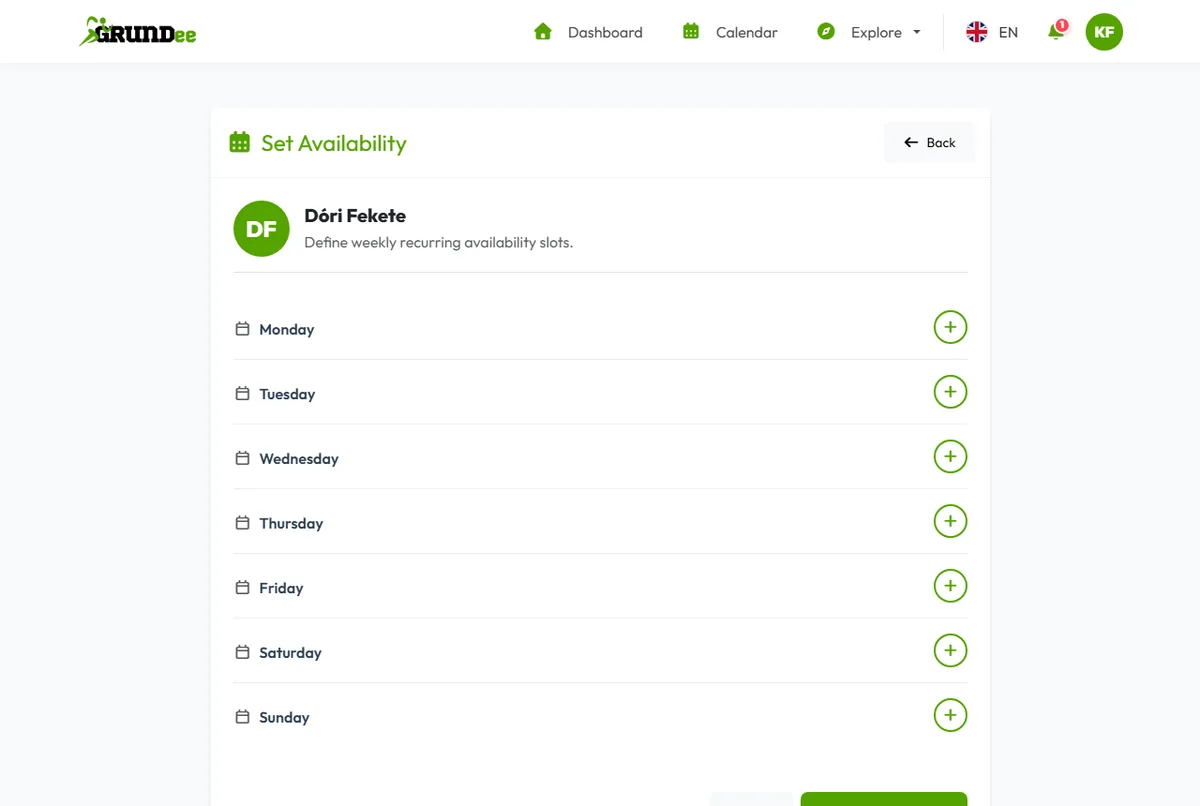
Tell your teams when you are usually free. When an organizer schedules an event “Based on Team Availability”, Grundee suggests the times that suit most players.
-
Open the player's page
Click your picture in the top right corner, then My Players, and open your own or your child's profile.
-
Add your free times
Under Availability Schedule click Set Availability. Add a slot for each day and time you can usually play, for example Tuesday 18:00–20:00.
-
Save
Click Save Changes. Your slots repeat every week until you change them.