





 Football in Budapest
 Tennis in Budapest
 Handball in Budapest
 Basketball in Budapest
 Volleyball in Budapest






Some players never answer until the last minute. Instead of writing to each of them, send one reminder to all of them.
-
Open the event
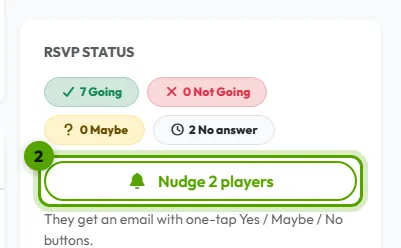
The event page lists everyone's answer, and who hasn't answered yet under No answer.
-
Click the reminder button
Click “Nudge … players”. They get an email with one-tap Yes / Maybe / No buttons.
Good to know
- You can send a reminder once every 6 hours for each event.
- Only the team's organizers see the button.
- Grundee also sends an automatic reminder 2 hours before the RSVP deadline, so you may not need to.