


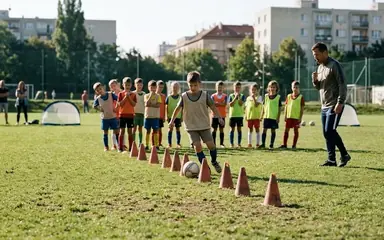


 Football in Budapest
 Tennis in Budapest
 Handball in Budapest
 Basketball in Budapest
 Volleyball in Budapest






Teams and clubs
Create a team, invite players, roles and clubs.
- Create a team Start a team in a minute as a captain or a coach.
- Invite players to your team Send an invite link, show a QR code or invite by email.
- Share your team's page Share a link or QR code so others can see your team and ask to join.
- Roles in a team What players, assistants, captains, coaches and club managers can do.
- Remove someone from your team Take a member off the roster. Their past answers and payments stay.
- Public or private team Choose whether your team shows up when people look for teams.
- Post an announcement Pin news on your team's page for members or for everyone.
- Accept requests to join When someone asks to join your public team, you decide.
- Run a club with several teams Create a club, invite your coaches and see all teams in one place.
- Import a list of players Upload the spreadsheet you have; every player gets an invitation with their details.
Still need help?
Can't find the answer you're looking for? Our support team is happy to assist you.