





 Football in Budapest
 Tennis in Budapest
 Handball in Budapest
 Basketball in Budapest
 Volleyball in Budapest






Players who find your public team in Explore or on its page can ask to join. Nobody gets in without your approval.
-
You get a message
When someone asks to join, you get an email and a notification in Grundee.
-
Accept or reject
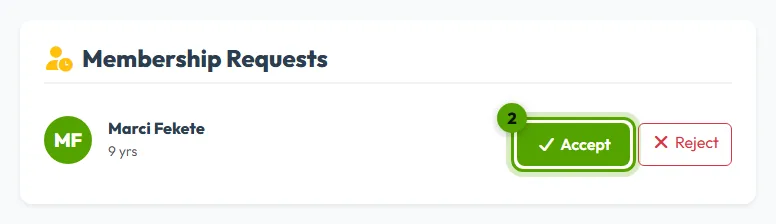
Open your team page. The waiting requests are listed under Membership Requests with the player's name and age. Click Accept or Reject.
Good to know
- If your team has a membership fee, the player has already confirmed they accept it.
- Someone you reject cannot ask to join again. You can still invite them yourself.
- Requests are also listed on the Team Roster page.