





 Football in Budapest
 Tennis in Budapest
 Handball in Budapest
 Basketball in Budapest
 Volleyball in Budapest






A public team has its own page that anyone can open: the sport, the city, the next games and a button to ask to join. Share it to find new players.
-
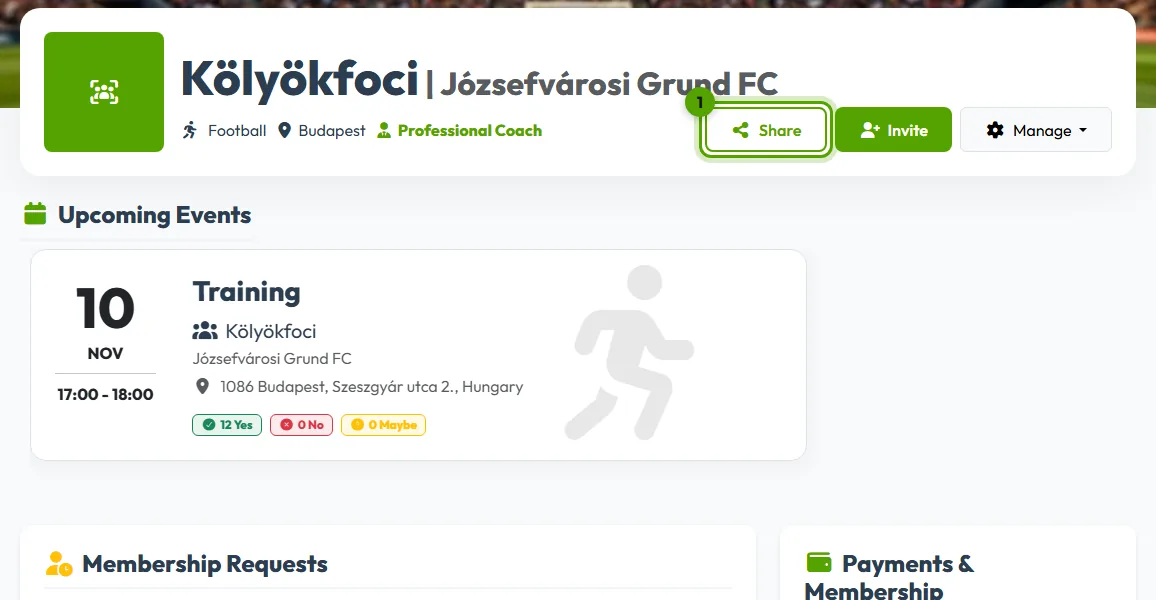
Open your team page and click Share
Click Share under your team's name. The button only shows for public teams.
-
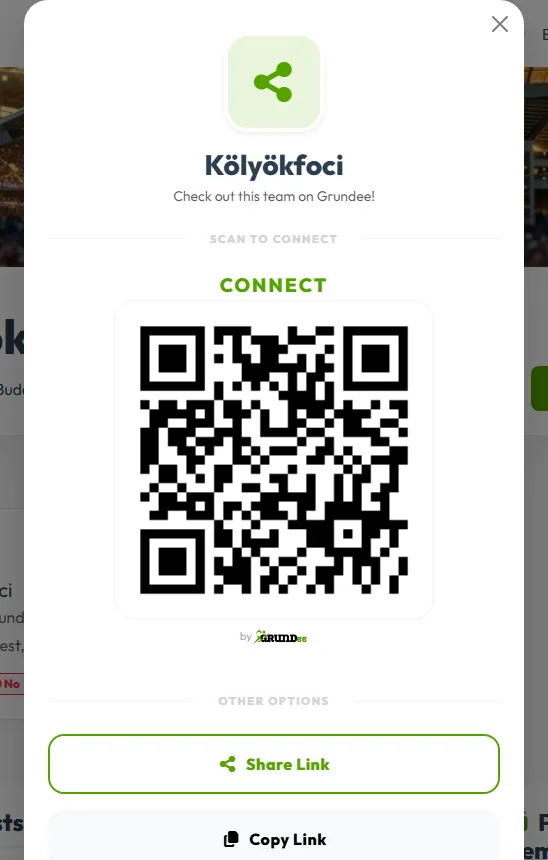
Pick how to share
- QR code: put it on a poster or show it on your phone; scanning it opens your team page.
- Share Link sends the page with any app on your phone.
- Copy Link copies the address so you can paste it anywhere.
When someone asks to join, you get an email and a notification. Accepting requests to join shows what to do next.
No Share button? Your team is private. Make it public first.