



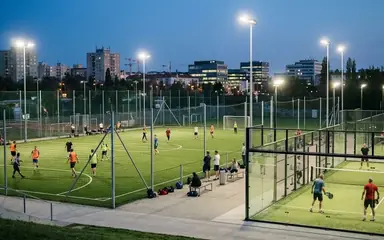

 Football in Budapest
 Tennis in Budapest
 Handball in Budapest
 Basketball in Budapest
 Volleyball in Budapest






An announcement is a short post on your team's page: a new kit, a change of venue, the end-of-season party. It stays there for everyone to read.
-
Start a new announcement
On your team page, open Manage → New Announcement.
-
Write it and choose who sees it
Give it a title and write your message. Tick public if visitors of your team page may read it too, or leave it for members only. Click Create Announcement.
Want to chase players who haven't said if they are coming? Use a reminder instead: that one does arrive by email.